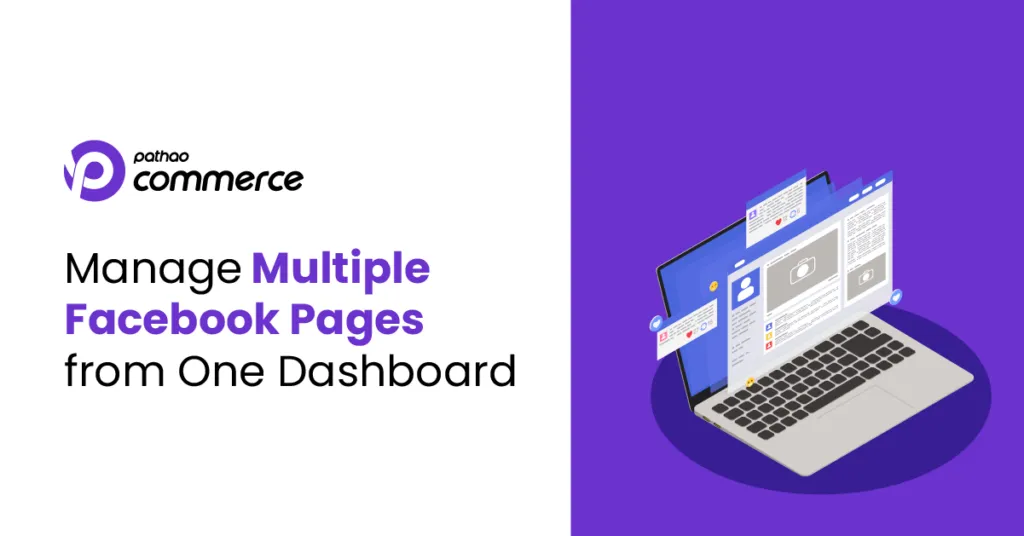
Managing Multiple Facebook Pages from One Dashboard. How?
Running a single Facebook Page is already a full-time job.
Comments need replies. Messages keep coming in. Customers are asking questions. Orders need to be confirmed. And somehow, you’re expected to manage it all at once.
Now imagine managing two Facebook Pages.
Or three.
Or even more.
You’re replying to a customer on one Page while another customer is waiting on a different one. Just as you switch to Instagram, a new inquiry comes in on WhatsApp. Before you know it, you’ve spent half your day switching between apps instead of actually running your business.
Sound familiar?
The more your business grows, the more communication channels you have to manage. But that shouldn’t mean more complexity.
That’s where Pathao Commerce comes in.
With Pathao Commerce, you can connect multiple Facebook Pages, Instagram, WhatsApp, and other communication channels into one unified dashboard. Simply head to the Add-ons section, connect your business accounts, and let Pathao Commerce bring all your customer conversations together.
From that moment on, every message appears in one inbox. You can reply to customer inquiries, manage conversations, and even create orders—all without switching between different apps or Pages.
No more wondering where a customer messaged you.
No more missed notifications.
No more jumping from one platform to another.
Instead, you get one dashboard that keeps every conversation organized, helping you respond faster, stay productive, and deliver a better customer experience.
Because as your business grows, the number of Pages you manage may increase—but the number of places you manage them from doesn’t have to.
With Pathao Commerce, every conversation comes together in one place, so you can spend less time managing platforms and more time growing your business.
One dashboard. Every Page. Every Conversation.
That’s the smarter way to grow with Pathao Commerce.
Register to Pathao Commerce :